OLED · ULTRAWIDE · SUPERWIDE
A living battle.
A wider desktop.
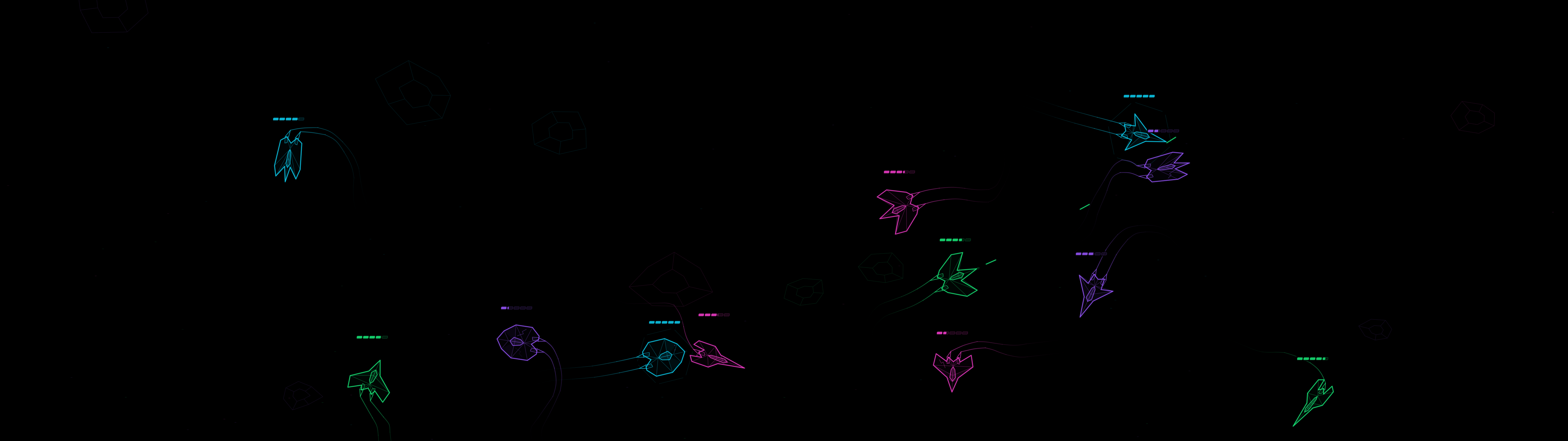
Looking for an OLED screensaver or something that fills a superwide desktop? AFK Wars Watch turns your idle screen into an autonomous wireframe space battle. Ships move, collect upgrades and face rival fleets while you watch. The complete Watch edition is free for Windows x64 and Linux x86-64.
Read installation and compatibility notes before downloading.
For OLED desktops
AFK Wars uses a pure-black background, moving wireframes, adjustable intensity, and drifting or fading controls. Watch mode stays silent. You can choose how intense the battle looks and keep the scene moving without a fixed bright interface.
No screensaver guarantees burn-in prevention; keep your display manufacturer's care features and normal sleep settings enabled.
For ultrawide and superwide screens
The game supports 21:9 ultrawide and 32:9 superwide layouts, along with standard landscape and portrait. The battlefield adapts to the available space while ship shapes keep their proportions. Monitor selection and all-monitor mode are available.
Performance depends on your hardware, resolution and battle settings. A frame-rate cap is a limit, not a promised frame rate.
How it works on Windows and Linux
AFK Wars is a standalone background app with its own idle detection. It is not a Windows .scr screensaver or a lock screen. Extract the complete download, start the launcher, and choose Watch now or Window preview. For automatic activation, enable it in settings, choose your idle delay, and leave the app running.
It does not set up automatic startup for you. Your existing display-sleep and lock settings remain in charge. No separate Java or Python installation is required.
Windows builds are currently unsigned and may show a security prompt; keep your security protections enabled. Linux testing is strongest on Ubuntu 24.04 GNOME/X11. Wayland and other desktop sessions remain unverified. If automatic idle detection is unavailable, use Watch now for manual viewing.
A screensaver you can play
Free Watch includes the complete autonomous battle. If you want to pilot a ship, the optional Take the Helm edition adds Space-to-play, mouse steering and boost for $4.99 USD once. Manual control is not part of free Watch. You can start with Watch and decide whether the visual style belongs on your desktop.
Try it on your setup
Download free Watch and see whether the battle suits your screen. If you run into trouble, email [email protected] with your operating system, display resolution, Linux desktop/session if applicable, and the exact message you see.
Created by AFK Labs. About the software and developer · Creator information.